Skip to content

Easy photo selection for your clients.

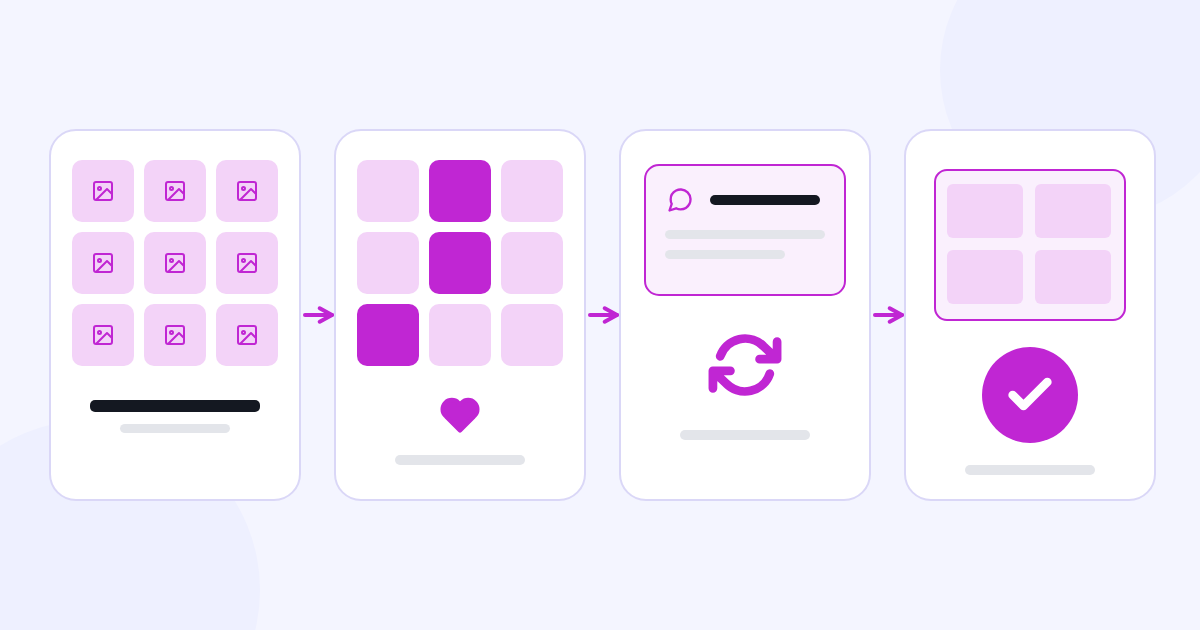
Share the photos to choose from for albums, photo books, magazines, prints or editing with your client. Manage photo selections, client notes, payment tracking and delivery from one dashboard.

  • 7-day free trial
  • No credit card required
  • One CXR account
A bride and groom looking at each other in a photo studio set

Let your client choose their photos and add notes.

For your wedding, maternity, baby, children, family and graduation shoots.

  • A bride and groom looking at each other in a photo studio set Weddings
  • A happy baby in a cream romper sitting against a light blue studio backdrop Babies and children
  • A smiling young woman in a black graduation gown and cap holding a diploma; neutral studio backdrop Graduation

For outdoor, studio and photo set work.

Sample selection screen

  • A bride and groom looking at each other in a photo studio set
    DSC_0412
  • Close-up portrait: the bride and groom resting their foreheads together
    DSC_0418
  • The bride and groom under a stone arch, looking at the camera
    DSC_0431
  • The bride and groom sitting together on a stone bench
    DSC_0467
  • The bride and groom walking hand in hand in a stone courtyard
    DSC_0489
  • The bride in front looking at the camera, the groom right beside her
    DSC_0502

This is an example; your choices are not saved or sent anywhere. Open the full-page sample selection screen (The sample screen is in Turkish.)

You decide the selection options.

Set how many photos can be chosen. Turn the cover and print product options on to suit the way you work.

Project settingsExample
Number of photos to select
40

You can also let clients select without a limit.

Write canvas, glass print, poster, large-format photo or any other name you use. You set up your album and print products with an image and description in the dashboard.

Photo notes: the client can add a note to any photo.

Selection period

Photographer dashboard · Client selectionsExample

Selected photos
Cover photo
Photo notes

Share your photos with a watermark.

Add your own logo as a watermark. You set its opacity and position on the photo, and you can turn the watermark on or off for each project.

The bride and groom walking hand in hand in a stone courtyard, with a watermark
DSC_0489 · example
Watermark settingsExample
Position

The file is only shown in your browser and is not uploaded.

The watermark is scaled automatically to the size of the photo.

A private link and password, sent to your client automatically.

Add your client’s email address. When you move the project to “Sent to Customer”, the system automatically sends the private selection link and password to that address. You can also share the selection link on WhatsApp.

Automatic emailExample

Your photo selection link

Private link
photos.yourbrand.com/selection/…
Private password
••••••
Sharing on WhatsAppExample

Hello Emma! Your photos are ready! You can select 40 photos: photos.yourbrand.com/selection/…

The password is not added to the WhatsApp message; it is sent by email.

RemindersExample

If the selection is not complete, an automatic reminder email is sent to your client and to you 7, 3 and 1 days before the selection period ends.

You can also send a manual reminder email at any time.

Photo notes and delivery.

Your client writes their requests on the photo concerned. Share the finished photos and a video link in the same project.

  1. 1 Client note

    Photo: the bride and groom resting their foreheads together

    DSC_0418 · client note

  2. 2 Finished photos

    Finished photo: the same frame with the same file number

    Finished · DSC_0418

    Video link: yourbrand.com/video

Keep track of your payments.

Track the total amount, your payment plan, the amount received and the remaining balance in your project.

Collect payment your own way.

Selecto does not take online payments from your clients. You record the payments and due dates you collect in cash, by bank transfer, by card or another method; these payments are between you and your client.

Payment trackingExample
Total
Received
Remaining

Link downloads to the payment status.

When the payment status is “Paid”, your client can download their photos one by one or all at once (ZIP). You update the payment status in your dashboard.

Example

What your client seesExample
Sample photo DSC_0418

Follow the stages of your projects.

Follow the selection, editing, printing and delivery stages in your dashboard.

ProjectsExample
Total projects
6
Awaiting selection
2
Selection complete
4
Delivered
1
  • Emma and JamesWedding shoot Delivered Selected: 40 / 40 · Remaining: 0
  • Class 12BGraduation Sent to Print Selected: 30 / 30 · Remaining: 0
  • Baby MiaBaby shoot Edited Selected: 25 / 25 · Remaining: 0
  • Sophie and BenWedding shoot Selection Completed Selected: 40 / 40 · Remaining: 0
  • LauraMaternity shoot Sent to Customer Selected: 12 / 30 · Remaining: 18
  • Anna and TomWedding shoot Sent to Customer Selected: 0 / 40 · Remaining: 40

Projects don’t have to go through every stage; you can also use Selecto just for editing or delivery.

Share from your own domain.

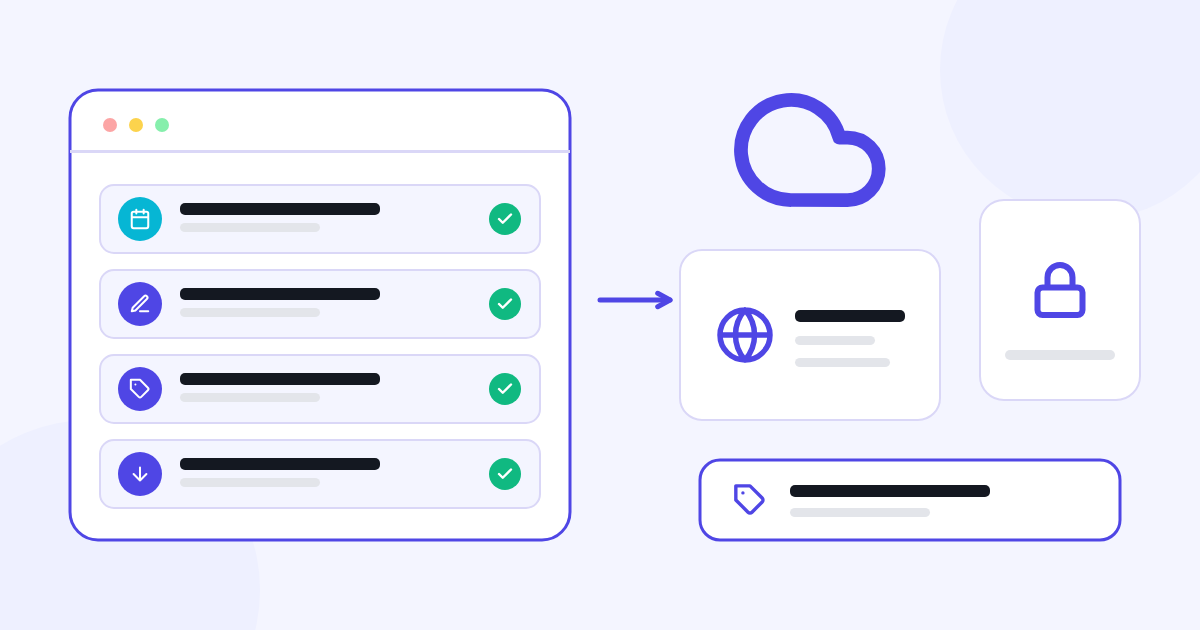
Your client reaches the selection page through your domain, and your logo appears on it. You add your domain in your profile settings; the domain needs a DNS record pointing to Selecto.

AI support with CXR AI.

Get help with Selecto from the Selecto advisor. Let your brand assistant answer your clients’ questions.

Selecto advisor character
Helps you

Selecto advisor

Explains how to use Selecto for photo selection, editing notes, digital delivery and payment tracking. On this page you can ask questions in the window at the bottom right.

YouI want my client to select 40 photos and to turn on cover selection. Where do I start?

Selecto advisorSet the selection limit to 40 in the project settings and turn on the Album cover option.

See the selection settings
Brand assistant character
Answers your clients

Your brand assistant

Your brand assistant answers your clients’ questions on the selection page, on behalf of your brand and with the information you provide. You set its name, personality and look, and update its information in the dashboard.

Your clientHow do I choose the cover photo?

Your brand assistantTap the Cover option under the photo you want.

Answers are based on the information you share; keeping it up to date supports accurate answers.

When you open your account, 100 free CXR AI credits are added. As long as you have an active trial or subscription in a CXR app, your balance is topped up to 20 credits every day. You can also use these credits with your brand assistant.

One CXR account. Shared brand memory.

All CXR apps are used with one account. You manage your apps, trials, subscriptions and plans in the same account. The business information, logo, colours, products, services and content you share are kept in a shared brand memory, so you don’t have to explain your brand again when you move to another app.

Each app is billed separately according to its own subscription or usage plan. One account does not mean one subscription covering all apps.

Pricing and plans

Selecto is made for professional photographers. Try it free for 7 days; no credit card required.

  • Basic

    Paid monthly

    €25 / month

    Start monthly
    • 10 albums
    • 2 GB storage
    • PIN-protected gallery

Prices include VAT.

CXR fees for the English-language service are charged by Visual Memory Works GmbH using Stripe. The available payment methods are shown before you buy.

CXR subscription and setup fees are separate from the payments your business receives from its own customers.

Let our team set up Selecto

Ask for help preparing your project settings, watermark and products.

The setup service is optional and separate from the subscription fee. We agree the scope and price with you after your request.

Frequently asked questions

What can I use Selecto for?

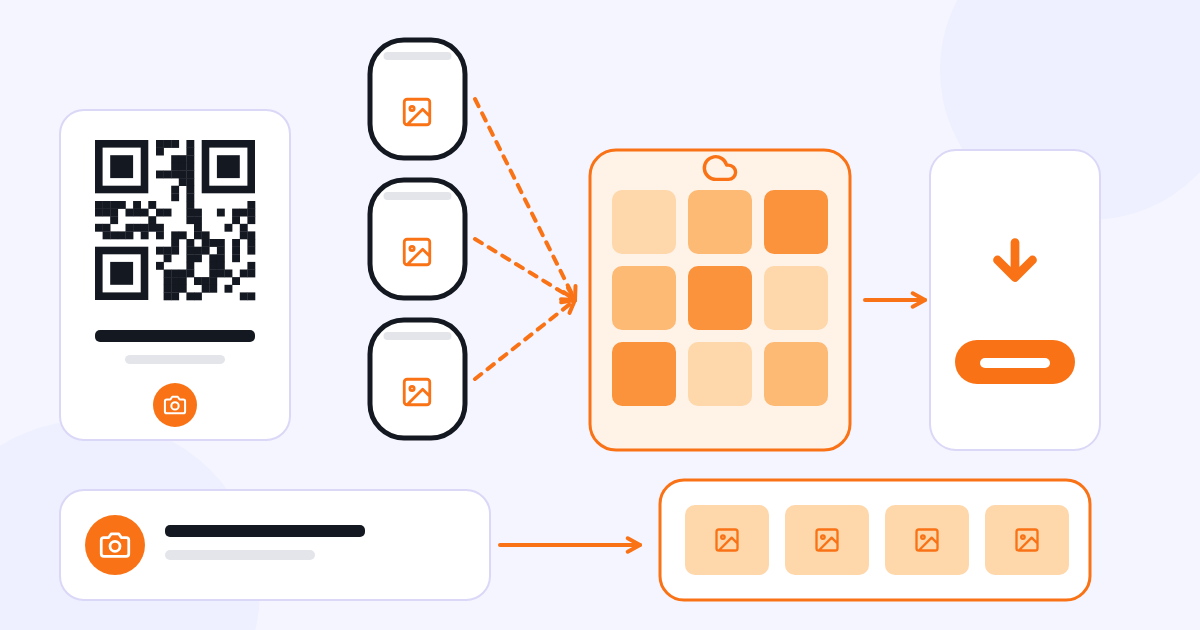
You can use it to have clients select photos for panoramic albums, photo books or magazines, for prints and editing, to collect photo notes, and to deliver the finished photos and a video link. You can run these steps together or separately.

Can I decide how many photos my client selects?

Yes. You set the number of photos to select for each project; you can also let clients select without a limit.

Can I set up the cover and print options to suit the way I work?

Yes. You can turn cover selection on or off for each project. You set up your album and print products yourself, with a name, image and description, and choose which projects they are offered in.

How do I send the link and password to my client?

Add your client’s email address to the project. When you move the project to “Sent to Customer”, the system automatically sends the private selection link and password to that address. You can also share the selection link on WhatsApp.

How do I manage the selection period and reminders?

You set the selection period to 30, 45 or 60 days. If the selection is not complete, an automatic reminder email is sent to your client and to you 7, 3 and 1 days before the period ends; you can also send a manual reminder email at any time.

How do I manage photo notes and delivery?

Your client can write their requests as a note on the photo concerned. You can share the finished photos and a video link in the same project.

Can I add my own logo as a watermark?

Yes. You upload your logo as a PNG and set its opacity and position (a corner or the centre). The watermark is scaled automatically to the size of the photo and can be turned on or off for each project.

Can I take payments from my clients?

Selecto does not take online payments; you collect payments your own way (cash, bank transfer, card, etc.). You track the total, the payment plan, the amount received and the remaining balance in your project. These payments are between you and your client and separate from CXR fees.

When can my client download their photos?

When the payment status is “Paid”, your client can download their photos one by one or all at once (ZIP). You update the payment status in your dashboard.

What happens if an upload is interrupted?

You can pause and resume uploads and retry files that failed. If you try to upload a photo with the same file name again, the system warns you.

Which languages can Selecto be used in?

You can use the Selecto dashboard in Turkish, English or German. Your clients can also switch between these three languages on the selection page.

Can I use my own domain?

Yes. When you add your domain in your profile settings, your clients reach the selection page through that address and your logo appears on the page. You need to set up the domain’s DNS record.

What is the difference between the Selecto advisor and the brand assistant?

The Selecto advisor helps you while you get to know and use the product. Your brand assistant answers your clients’ questions on the selection page on behalf of your brand, using the information you share.

Is there a charge for the brand assistant?

When you open your account, 100 free CXR AI credits are added. As long as you have an active trial or subscription in a CXR app, your balance is topped up to 20 credits every day. You can also use these credits with your brand assistant. For more usage, you can buy additional credit packs.

How is Selecto priced?

Selecto is used with a monthly or (where offered) yearly subscription to one of the plans on this page; the scope of each plan is shown on its card. Fees are paid through your CXR account.

How does the free trial start?

Sign up with just your email address. During Selecto’s 7-day free trial you can explore all features. No credit card is required.

What is the setup service?

It is an optional service, separate from the subscription. You send your request with the form in the pricing section, and we agree the scope and price with you.

Do I need a separate account for each app?

No. All CXR apps are used with one CXR account; you log in and sign up at cxr.app. Each app is billed separately according to its own subscription or usage plan.

What happens if I cancel my subscription or I’m not satisfied?

Cancelling a subscription stops renewal for the next period. You can submit cancellation, withdrawal and refund requests through the Support section or at support@cxr.app; refund requests due to dissatisfaction are accepted. Provisions on your statutory rights remain reserved.


Start using Selecto.

Manage photo selection and delivery with Selecto.

Start using Selecto

Selecto setup service request

Tell us briefly about your studio and the way you work.

This is an optional service, separate from the subscription. We agree the setup scope and price with you.

If you have an account, use your registered email address.

Optional.

Visual Memory Works GmbH processes the personal data you submit in this form to assess and answer your request. Details and your rights: Contact and Support Privacy Notice.